Inventory Model
Warepeak organizes inventory in three layers: Item Type, individual units, and their location. Understanding this hierarchy helps you follow the rest of the manual, especially the Request Lifecycle.
Item Type
An Item Type defines a model of material: it has a SKU and a name, and groups every physical unit of that model your company owns.
ℹ️ When you create a request or check availability, you always work at the Item Type + quantity level; Warepeak automatically picks the specific units.
Units
Each unit (ItemInstance) is a specific physical item of an Item Type, and always has two attributes:
- Ownership: Owned (belongs to your company) or Rented (from an external provider).
- Location: Warehouse (in stock, not assigned to any place) or a specific Place (job site, customer address, etc.).
| Ownership | In Warehouse | At a Place |
|---|---|---|
| Owned | Available to ship | Assigned to that place |
| Rented | Available to ship | Assigned to that place, with provider and cost |
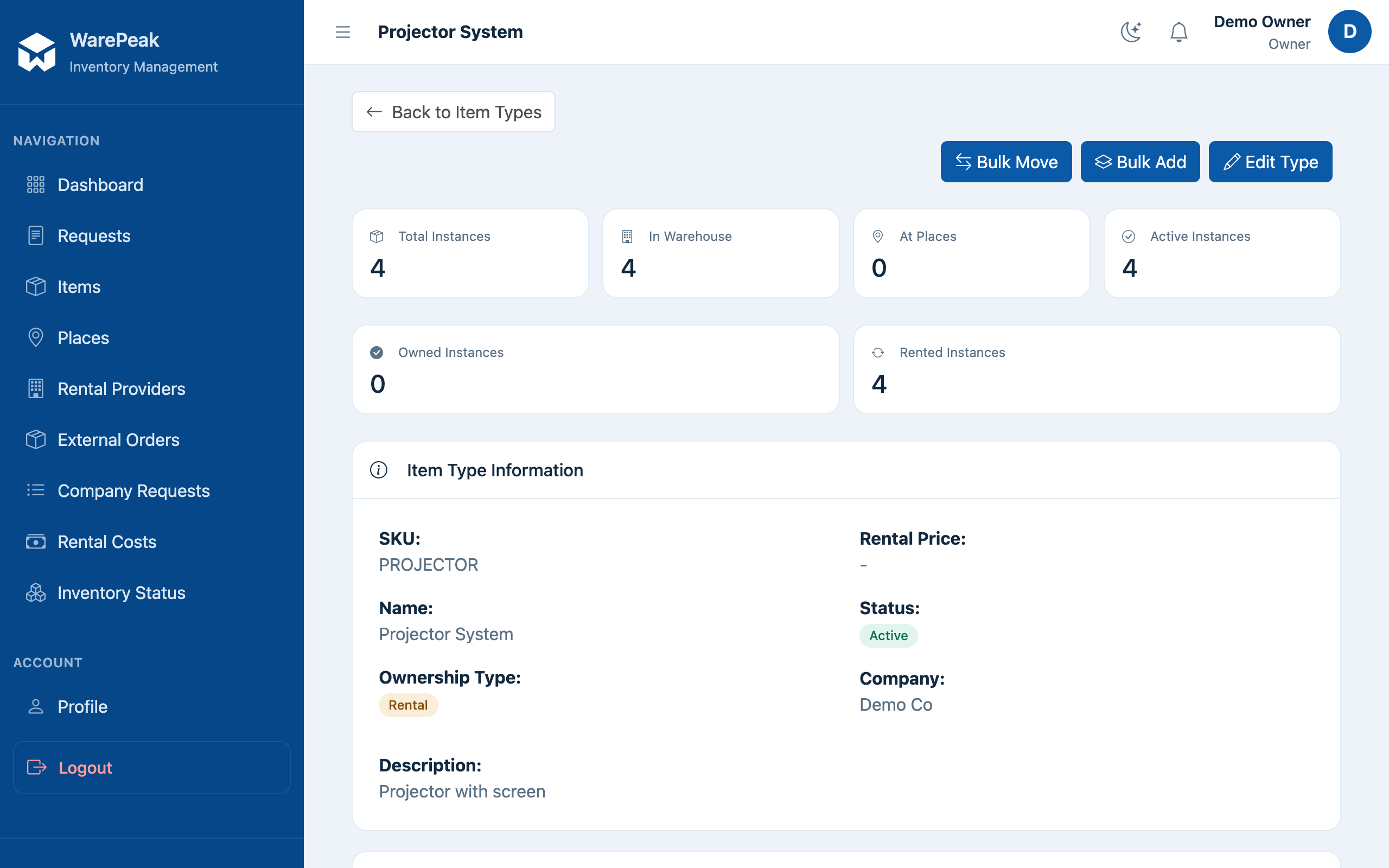
Rented units
Rented units aren’t created manually: they appear automatically when an external rental order is marked as delivered. Each rented unit stores:
- The provider it came from.
- The agreed price per day, used to calculate the rental cost.
⚠️ Until an external order is marked as delivered, its units don’t exist yet in inventory and can’t be included in ship requests.