Request Lifecycle
Requests are the mechanism Warepeak uses to move items between the Warehouse and Places. This page describes the request types, their statuses, and how partial approval works.
Request types
| Type | Direction | Description |
|---|---|---|
| Ship | Warehouse → Place | Asks for material to be sent from the warehouse to a place. |
| Pickup | Place → Warehouse | Asks for material to be picked up from a place and returned to the warehouse. |
ℹ️ For the step-by-step creation procedure, see Create a ship request.
Request statuses
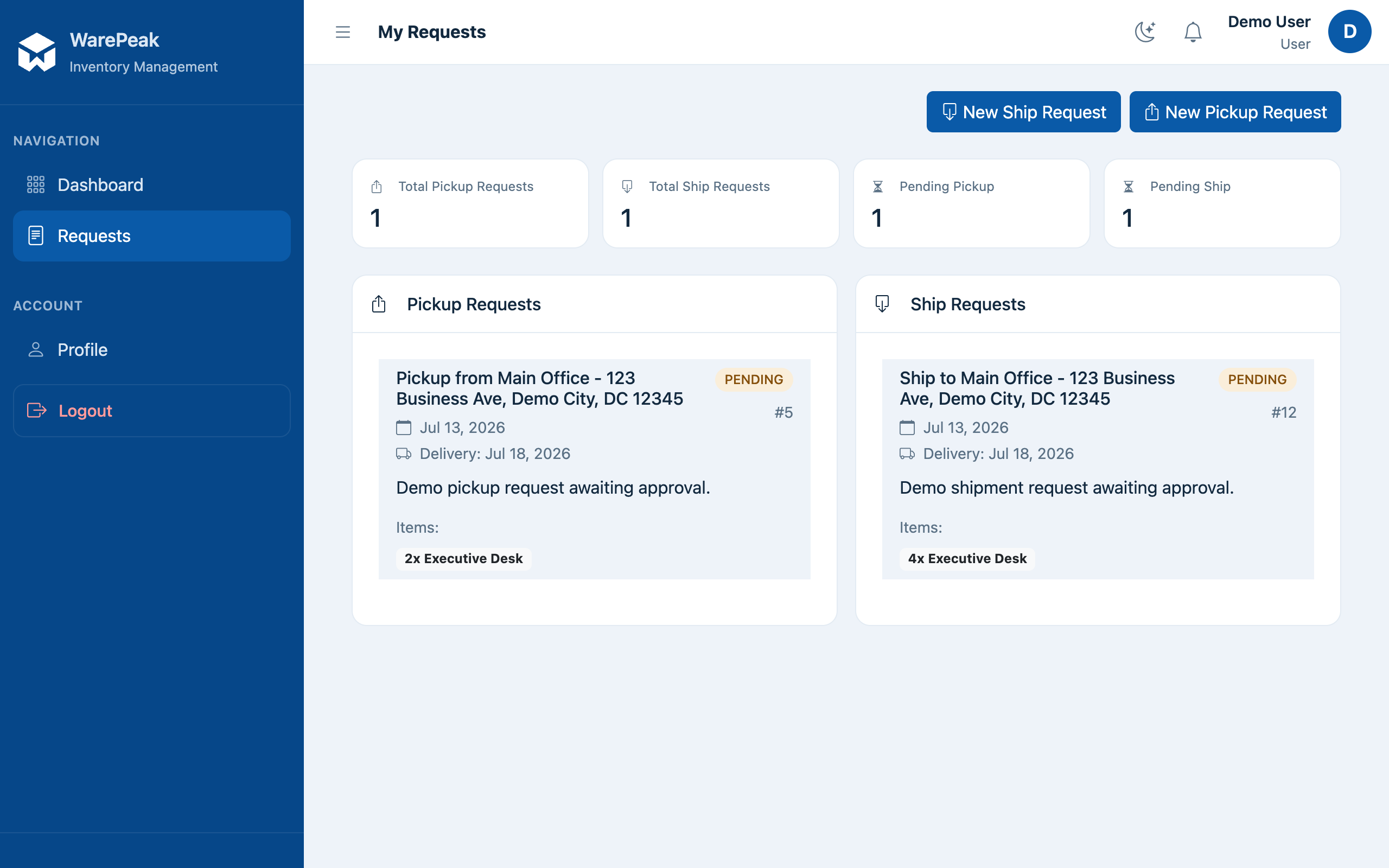
- Pending — just created, waiting for review by the Warehouse Manager. While in this status, whoever created it can edit or delete it.
- Approved — the Warehouse Manager approved the full requested amount.
- Partially Fulfilled — the Warehouse Manager approved less than the requested amount (see Partial approval below).
- Rejected — the Warehouse Manager rejected the request.
- Delivered — the material has physically been delivered/picked up. For ship requests that include rented items, this status is only reached once every linked external rental order is marked as delivered.
- Cancelled — the request has been cancelled and won’t be followed up on.
ℹ️ To understand what it means for an item to be “in the warehouse,” “at a place,” or “rented,” see Inventory Model.
Partial approval
When the Warehouse Manager approves fewer units of an item than were originally requested, the following happens:
- The original request moves to Partially Fulfilled (it never goes back to “Pending” or ends up 100% “Approved”).
- Warepeak automatically creates a new request, in Pending status, for the remaining unapproved quantity.
- That new request follows its own lifecycle independently: it can be approved in full or in part again, or rejected.
⚠️ Partial approval generates an additional request; if this happens repeatedly for the same original quantity, you can end up with a chain of several related requests, each with its own history.
Ship requests linked to external rentals
If a ship request includes items that come from an external rental order, the request doesn’t move to Delivered until all external orders linked to it are marked as delivered. See Inventory Model for how rented units are created.