Owner Guide
As the Owner you have full visibility over your company’s business: everything the Warehouse Manager can do, plus creating and editing places, full control over rental providers (including deletion), access to both reports, and the ability to set the company’s default language. You also see an external rental snapshot and every request across the company.
ℹ️ Roles are cumulative: everything from the User and Warehouse Manager guides is already included in your account.
Your dashboard
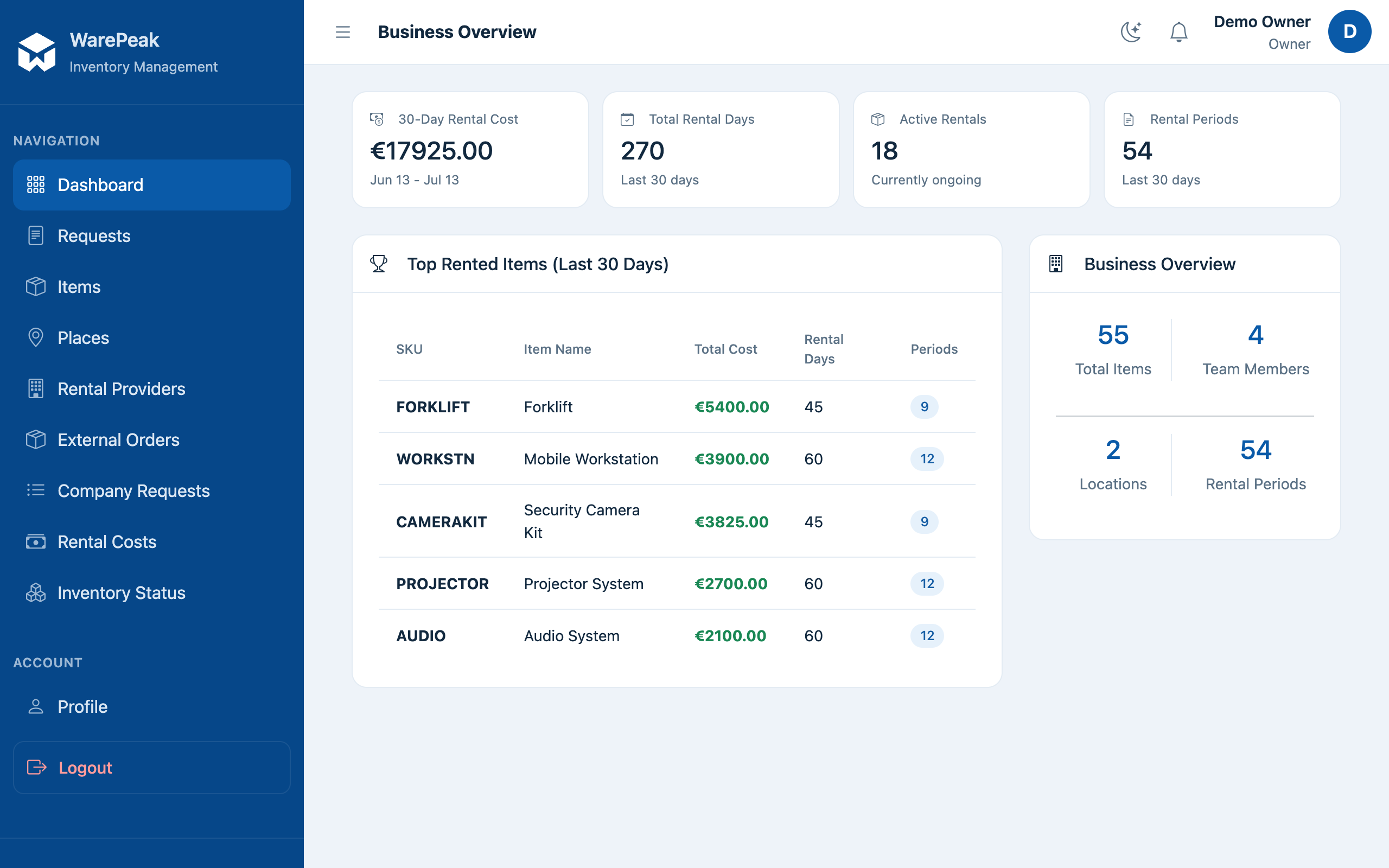
At /app/dashboard/owner/ (dashboard_owner) you’ll find:
- A rental snapshot for the last 30 days: total cost, active rentals, and rental periods.
- The top items by rental cost for that period.
- General business metrics: total items, users, and places.
Common tasks
- Create or edit places (
/app/places/create/,/app/places/<id>/edit/) → Manage places - Approve requests and manage inventory → same as the Warehouse Manager: Approve a request, Manage inventory
- Manage rental providers, including deleting them → External rentals
- Check both reports (rental cost and inventory status) → Reports
- View every request across the company (
/app/requests/my/) → as Owner, this view stops showing only “your” requests and shows all company requests instead. - Set the company’s default language (
/app/company/language/) → configure it from your profile (/app/profile/).