User management and audit
User management and the audit log are reserved exclusively to the Admin role.
Manage users
-
Go to Users, or open
/app/users/directly. You’ll see the list of users at your company with their name, role, and status (active/inactive).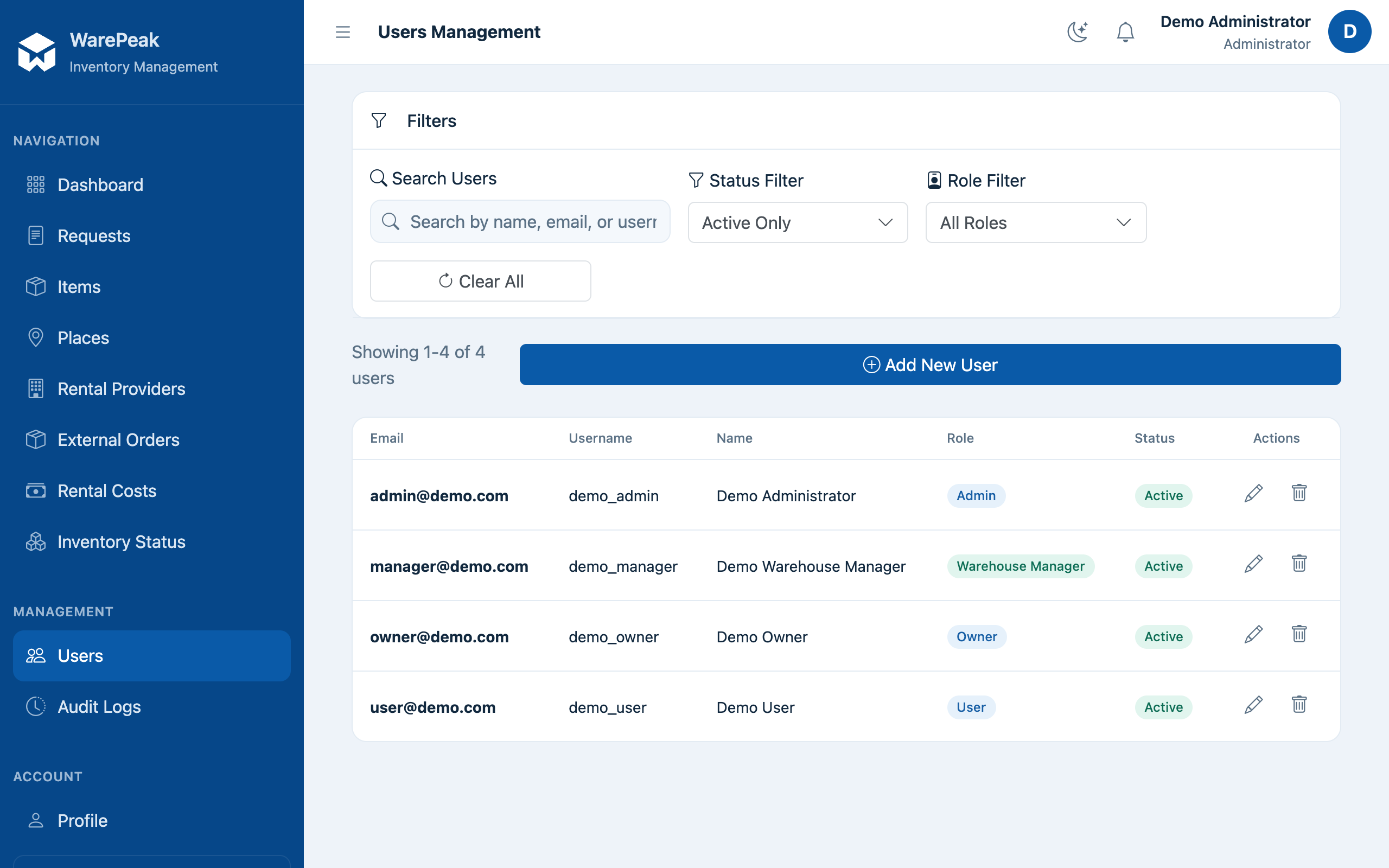
-
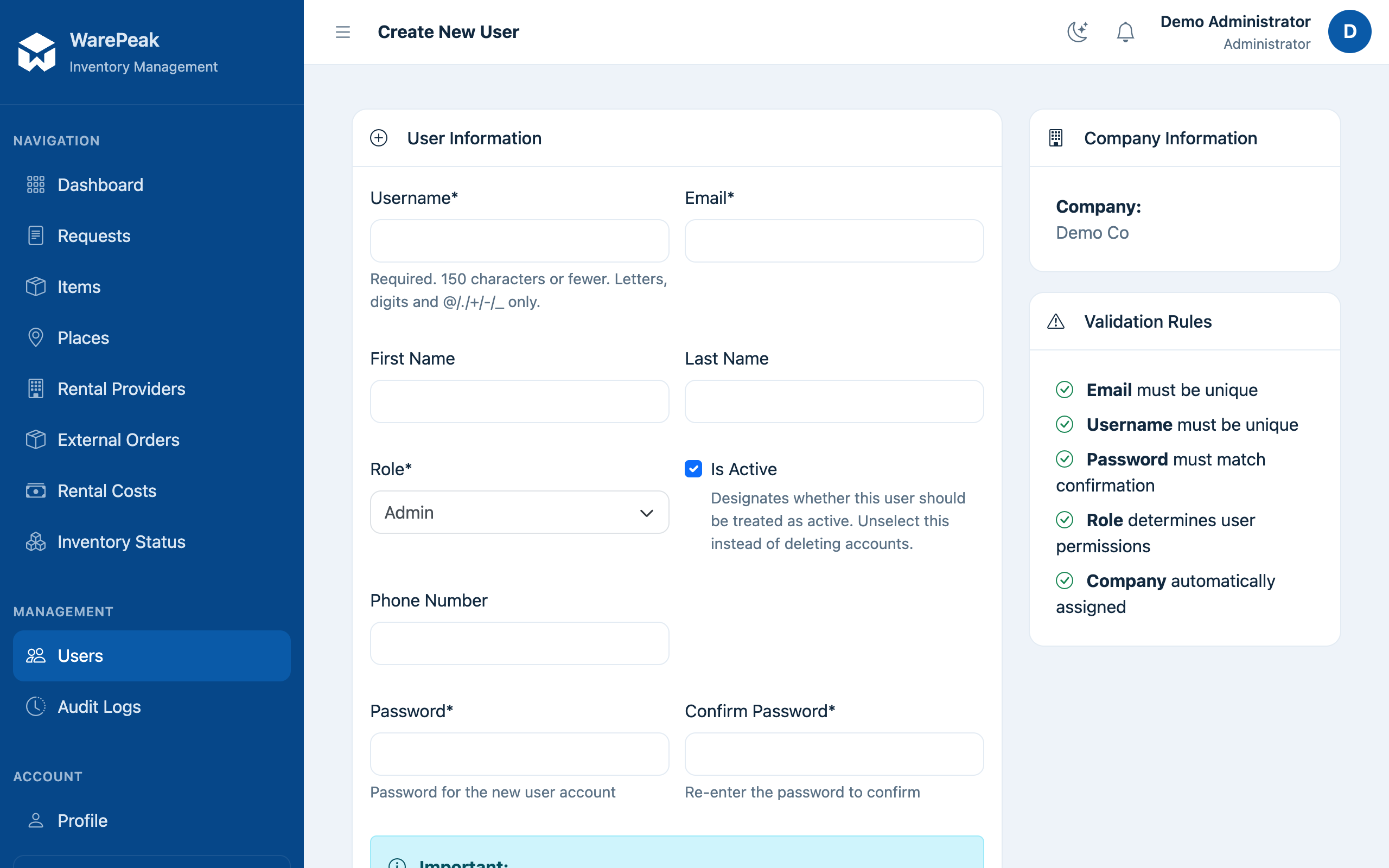
Click New User to create one. Fill in the required data: name, email, phone, role (User, Warehouse Manager, Owner, or Admin), and whether they’re active. Click Save.
-
To edit an existing user, click them in the list and then Edit; you can change any of those same fields, including the role.
⚠️ Changing a user’s role immediately changes what they can see and do in the application.
-
To delete a user, open their detail page, click Delete, and confirm the action when prompted.
Audit logs
-
Go to Audit Logs, or open
/app/audit-logs/directly. You’ll see your company’s activity log: who did what and when.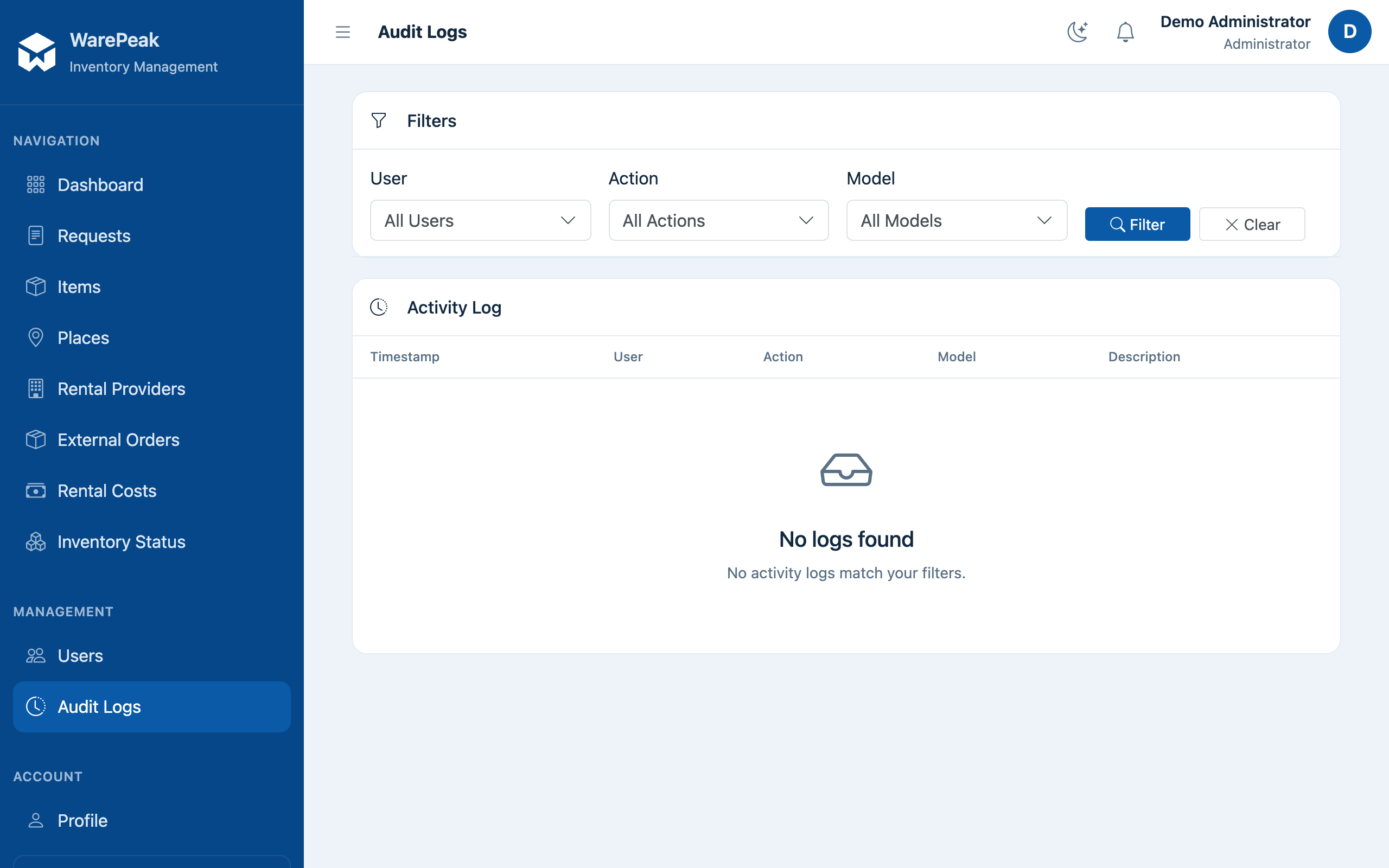
-
Use the available filters to narrow the search by user, action, and model (for example, requests, places, or items).